
Vehicles and driving
The vehicle card
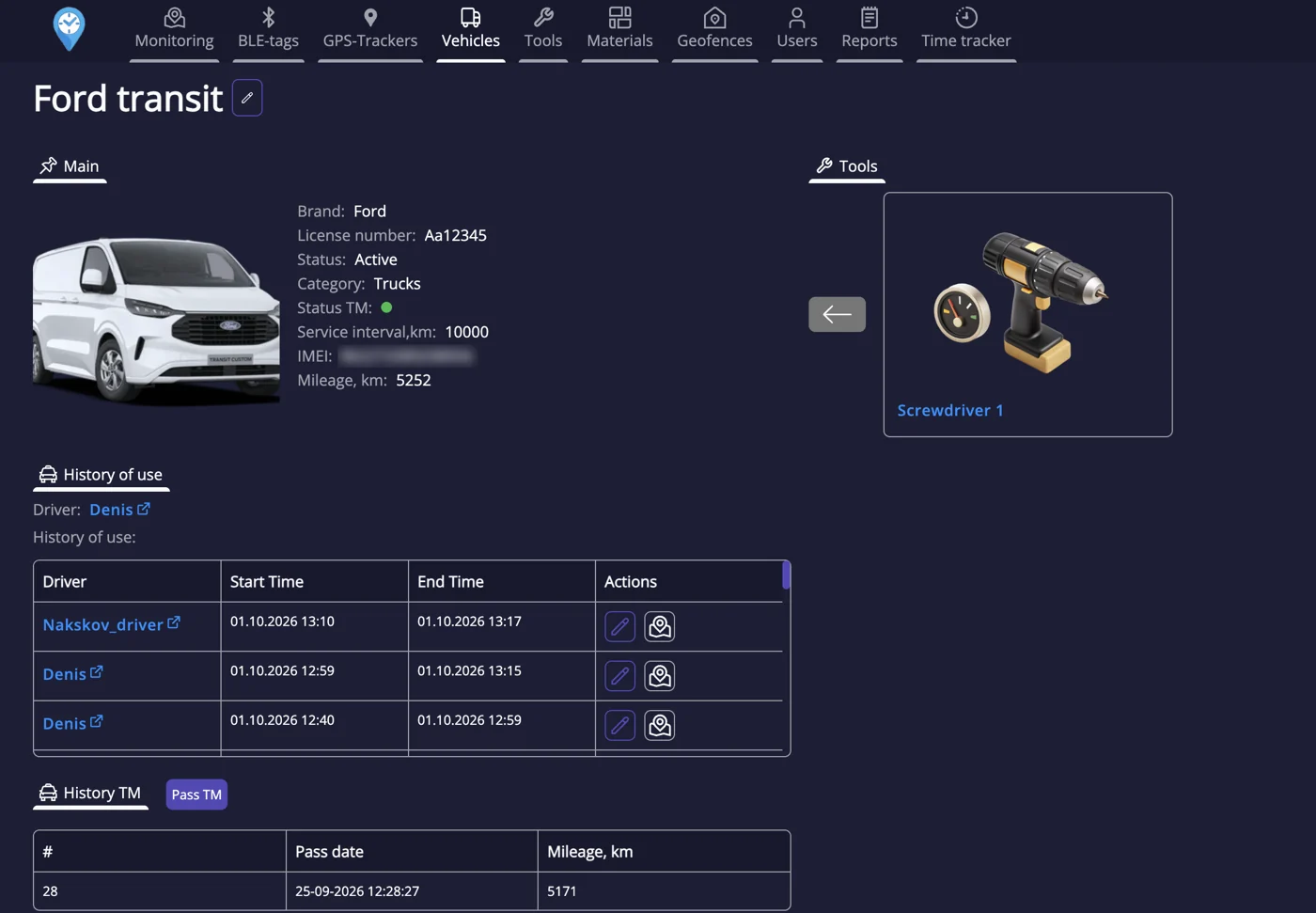
Every vehicle has a card with tracker, driver, licence plate, status and service interval. IFAPP counts kilometres from the tracker and tells you when a service is coming up.
Trips
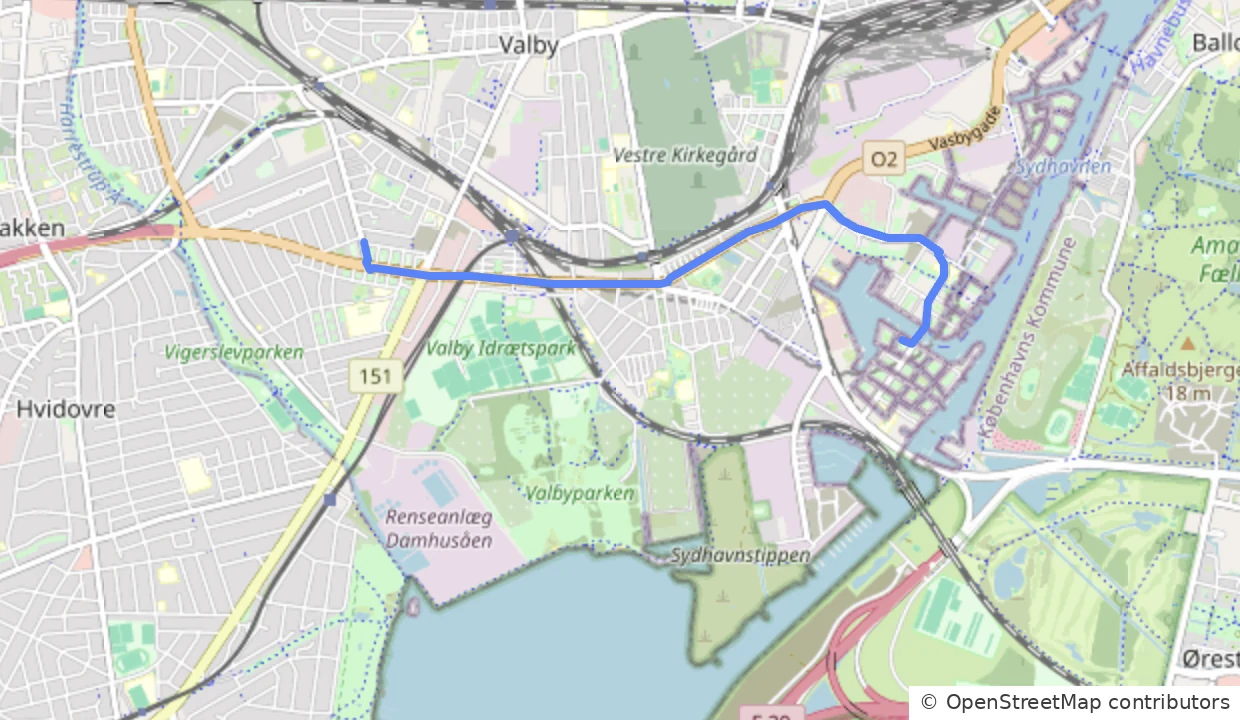
Every trip is saved with start, end, addresses, distance and duration. Open the vehicle and pick a date to see the day's trips on the map. Under History of use, every trip can be opened on the map with the icon next to it.
Tools in the vehicle and access
The vehicle card lists the tools that are in the vehicle right now. On the vehicle you also choose which users have access to it.
Service and history
Mileage and service intervals are followed automatically. Every service is saved in the service history, and the usage history shows who used the vehicle and when.
Driver
When a worker with Driver turned on has their tag in the vehicle, that person is shown as the driver of the trip. That is how you know who drove – without anyone logging in.
Driving score
Speed and driving patterns become a score per vehicle. Use it to discuss driving style with data instead of gut feeling.
Driving log
Trips form the basis of the electronic driving log: date, addresses and kilometres are recorded automatically. The driver or the office adds the purpose and marks the trip as business or private. Export the log under Reports.